
HyperFluxCMS
Fast. Flexible. Free.


HyperFluxCMS
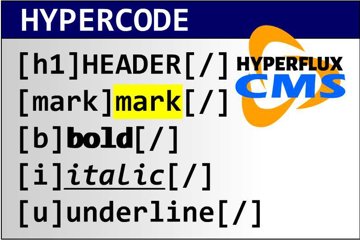
Sample post using various HyperCode tags
This is an example page that uses various HyperCode language formatting and markup TAGS. It includes tables, formatting, media, images, lists, headings, indexes, and much more.
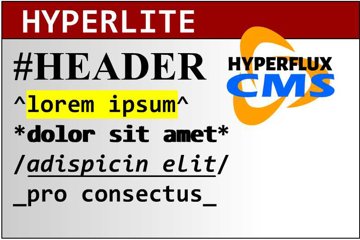
Sample post using HyperLite markup codes
This is an example page created entirely using the HyperLite markup language. It includes lists, images, links, bold text, italic etc., preformatted text, and even an html block.

Learn about our privacy policy. See what data we collect, how we use it, for what purpose, and how we protect it.

List of HyperFluxCMS variables
See the list of HyperFluxCMS Variables that you can use in the page code.

Understand and use variables and parameters
Posts and templates which you edit in HyperFluxCMS can use a powerful feature called Variables, which make the site more dynamic. Understand what they are for and how to use them.

Inserting emojis in your posts
You can decorate your text by inserting emojis. Learn how to do this. Learn how to use composite emojis, such as those with skin tones. Understand the limitations.
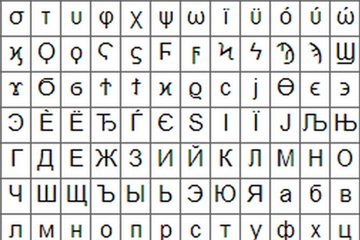
Special ASCII and Unicode characters
Inserting special ASCII and Unicode characters in your posts
You can insert ASCII and Unicode special characters into your posts on HyperFluxCMS. This can be used to insert mathematical symbols, Greek, Arabic, and Hebrew letters, and much more. It can also be used to insert emojis into your text.

Understand and use the Class, Style and Id properties in HyperCode elements
Understand what Class, Style, and Id properties are in HyperCode, how to use them, and how to take advantage of them.

Lines, indexes and other objects
HyperCode has other objects to insert, decorate, and format publications. See what they are and how to use them.

Metadata is complementary information about a post or code. In HyperCode it is useful for automatically providing page information, facilitating batch editing or off-line editing.