
HyperFluxCMS
Fast. Flexible. Free.


HyperFluxCMS
Using HTML
Using HTML in your posts
See how to include HTML code in your posts and templates.
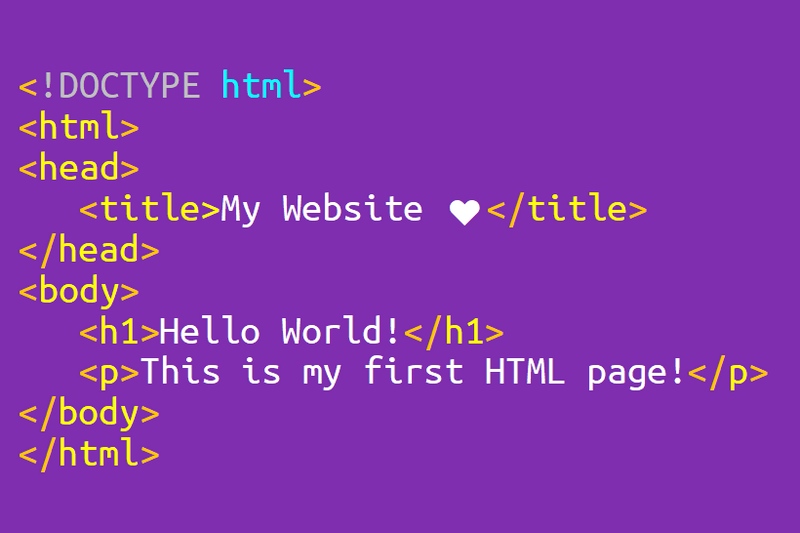
Although it has two easy-to-use and easy-to-learn markup languages (HyperCode and HyperLite), there are some cases where you may want or need to use HTML in your posts.
There are a few main reasons to use HTML.
- To use some feature of the HTML language that does not have an equivalent in HyperCode. For example, HTML form elements;
- To reuse preformatted text written in some HTML editor;
- To make fine adjustments to the page;
- To insert scripts or style sheets;
- To create and edit Templates.
HyperFluxCMS supports the use of HTML tags within posts and template codes. It even allows the same post or template to use two or three markup languages simultaneously.
To use HTML, simply edit the post or template and insert the HTML Tags as usual throughout the text. Or directly paste the file generated from your favorite editor.
For example:
<p>This is text in <b>bold</b><br/>
This is text in <i>italic</i>.</p>
The purpose of this article is not to teach HTML. If you are here, you probably already have some knowledge of the language, whether basic or advanced.
Furthermore, there are several excellent courses on the Internet, some free, others paid.
The purpose of this article is to explain the particularities of using HTML on HyperCode pages and the code adaptations that must be made for proper functioning and presentation.
General Particularities:
See the particularities you should pay attention to when using HTML in HyperFluxCMS.
Accented letters
Texts in HyperFluxCMS can be written directly with accented symbols like "É" or "Ç". HyperFluxCMS automatically converts them to HTML entities to be displayed correctly in the site visitor's browser.
For more details, see Accentuation
Special symbols
HyperFluxCMS uses some characters as formatting markup for the HyperCode and HyperLite languages.
Some examples of these characters are \#, @, <
Symbols &, " and #
If your code has symbols that have special meanings in both HTML and HyperCode, they are treated differently.
The &, for example, in HTML is used to indicate a "named html entity", such as an accented letter or a symbol like >. In Hypercode, it is understood as the literal & character.
Therefore, the & character, for example in the text Ç, which in html is displayed as Ç, in HyperFlux is displayed as &, which causes Ç to be shown literally as Ç
The same applies to the characters " and #.
To avoid problems, HTML Entities, both named, such as á, and numeric, such as á, must be converted to the original characters, even if accented.
There are some text editors, such as PSPad, that have tools to convert "HTML Entities" to their respective original characters.
Symbols \, <, >, [, ],
These symbols are used to insert various types of markup tags in HyperFluxCMS. For them to be treated as common, printable characters that will be displayed to the site visitor, they must be "escaped", by inserting the backslash character \ immediately before them.
For example, to display the symbol > on your page, it must be like this: \>
Symbols |\#;.@*^/~_
These symbols are used as markup in the HyperLite language. In some cases, they must also be escaped to be displayed in the browser instead of being understood as markup tags.
Paragraphs and Line Breaks
The way HTML handles paragraphs and line breaks is different from HyperFluxCMS's way.
While HTML ignores line breaks and paragraphs in the code and requires them to be explicitly indicated with <p> and <br> tags, HyperFluxCMS simplifies this by taking advantage of the way the text is typed to automatically determine line breaks and paragraphs.
Plain HTML Blocks
It is recommended to convert HTML Entities to their original characters to make it easier for the post to be edited later. It is much easier and less error-prone to understand a word like "Acentuação" than "Acentuação".
But it may be that for some reason you prefer to keep the HTML in its original format. To do this, simply mark the entire HTML part of the page (which can be the entire page, inclusive) as a plain HTML block.
To do this, mark the block starting with the characters "<<" before the part where the plain HTML begins. After the block ends, close with ">>". See more at Plain HTML Blocks.
It is not possible to use HyperCode or HyperLite tags or variables inside an HTML block.
Reusing code
If you are reusing code from an entire HTML page, note that only what is AFTER the <body> tag and BEFORE </body> should be used. These tags should not be part of the code used on the page.
Furthermore, information contained in the HTML HEADER (between <head> and </head>) is not used and should not be inserted. Information such as the page title must be provided on the post properties page in HyperFluxCMS itself.
For more information, see:
Accentuation
The HyperCode Language
The HyperLite Language
Special Symbols
Special Symbols in HyperLite
Automatic Line Breaks in HTML
Avoiding Automatic Line Breaks