
HyperFluxCMS
Fast. Flexible. Free.


HyperFluxCMS
HyperCode Topics
Learn how to use HyperCode
Understand how to use HyperCode language elements to decorate and illustrate your post. You will see how to insert images, links, format text, provide metadata, etc.
Introduction
The HyperCode language was created to add elements that make your post more beautiful, functional, and easy to understand.
Before proceeding, it is important that you understand how HyperCode Tags work. If you haven't seen it yet, click here to understand the basic concepts.
HyperCode Tags are divided into categories. For each type of effect you want to include in your post, there is one or more HyperCode tags.
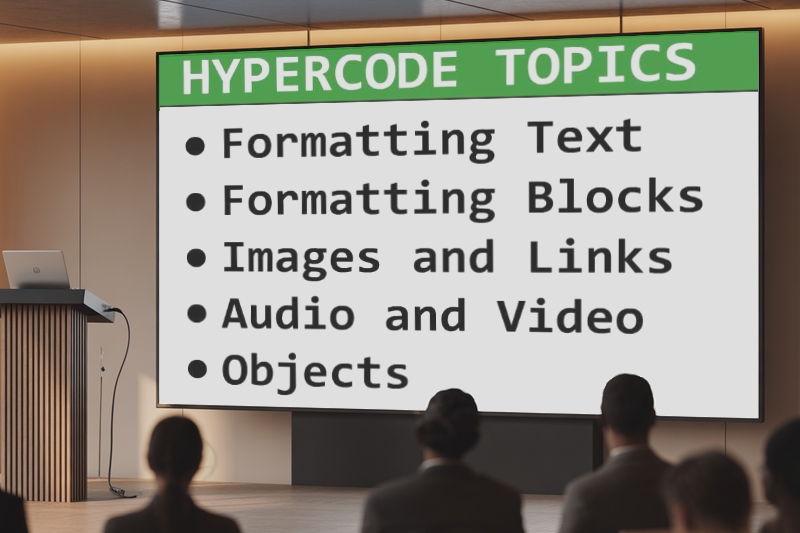
Below is a list of articles showing the Tags related to each activity, as you need them.
Tags for Formatting Text:
These are tags to make part of the text bold, italic, highlighted, in other colors, etc.
See Formatting text in HyperCode
Tags for Formatting Blocks:
These are tags to center part of the text, or align it to the right or left, etc.
See Formatting blocks in HyperCode
Tags for adding links
These are tags to add links to other pages, whether within your site or external links.
See Links in HyperCode
Tags for adding headings
Add headings to the text to separate the post into sections.
See Headings in HyperCode
Images
Decorate your text with images.
See Images in HyperCode
Lists
List items in your text in a beautiful and organized way.
See Lists in HyperCode
Tables
Insert tables into the text to organize information.
See Tables
Colors
Format text using colors to highlight content.
See Colors
Audio and video
Insert audio, video, and even embed YouTube videos into your post.
See Audio and video
Menus
Organize your site with menus to help visitors quickly find what they are looking for.
See Menus
Templates
Use reusable Templates to keep your site with a consistent appearance.
See Templates in HyperCode
Comments
Comment your code or temporarily disable parts of the text.
See Comments
Other components
Use search box, pagination, related posts list, etc.
See Other HyperCode Components
Other tags
Use divider lines, blank lines, etc.
See Other HyperCode Tags
Metadata
Insert metadata into the post to facilitate searching and also to position it better in search engines like Google.
See Metadata
Class, Style, Id
Use HTML/CSS properties to give a special and personalized touch to the decorative elements of your post.
See Class, Style, Id
List of HyperCode Tags
See the list of tags supported in the current version of HyperCode, their function, their properties, etc.
See Hypercode Tags (by function)
See Hypercode Tags (alphabetical order)